Your school year, organized.
Timetable, assignments, grades and study sessions in one place — synced across your devices, and private by default.
Free to use. Ages 13+. Requires iPhone with iOS 18 or later.
A tour of Scolefy
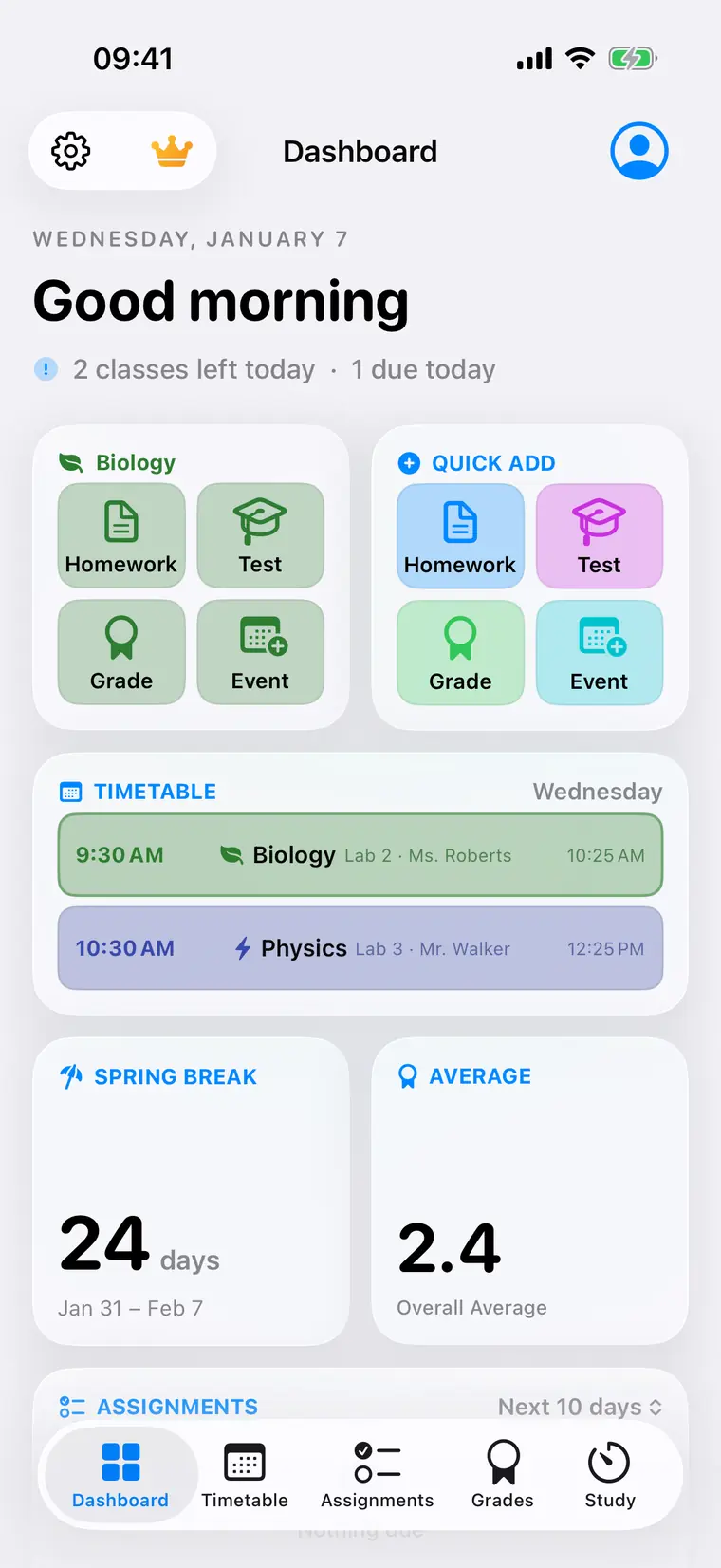
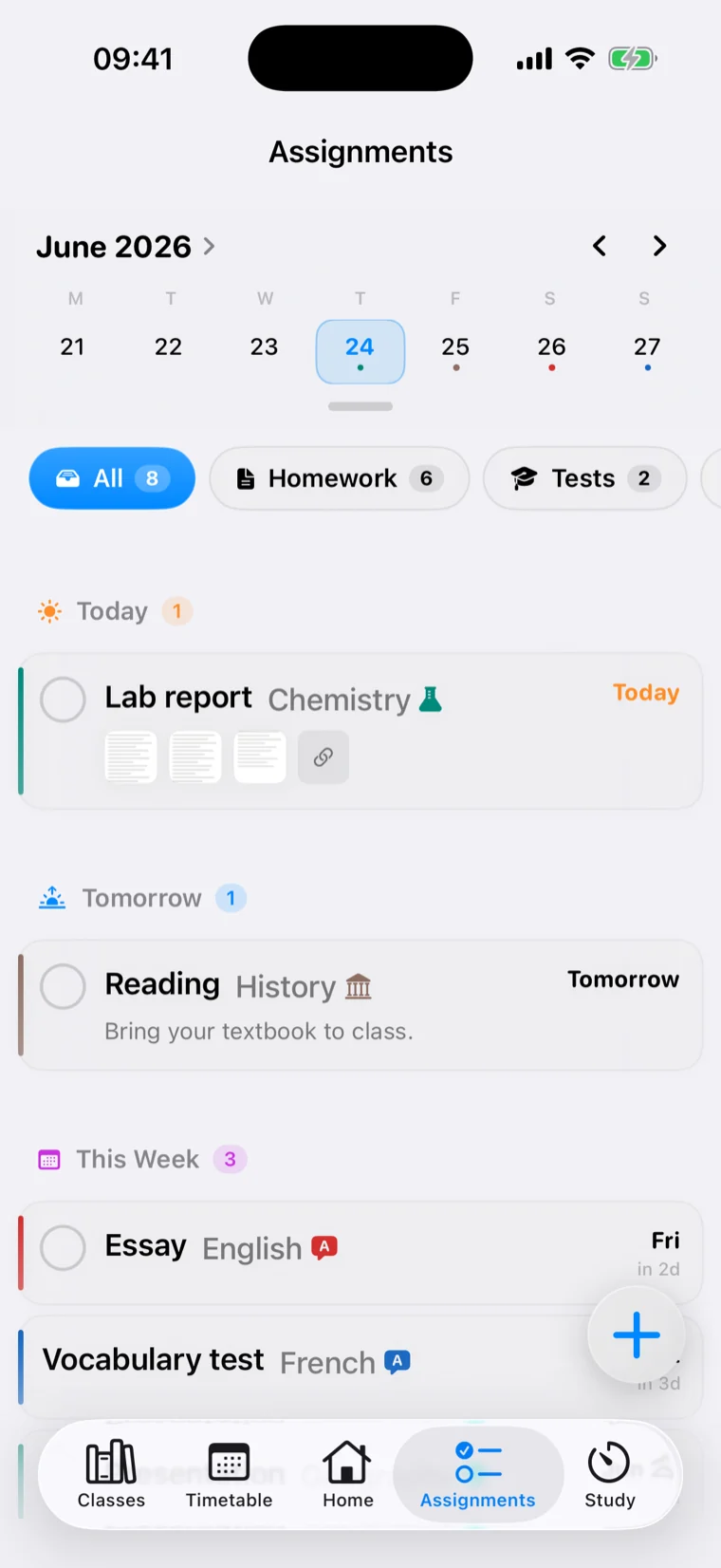
The whole day, on opening.
One screen that answers what is happening now, what is due, and how the term is going — before you tap anything.
- Today’s remaining lessons and what is due
- Quick add for homework, tests, grades and events
- Your overall average and the countdown to the next holiday
- Rearrange the cards so yours come first
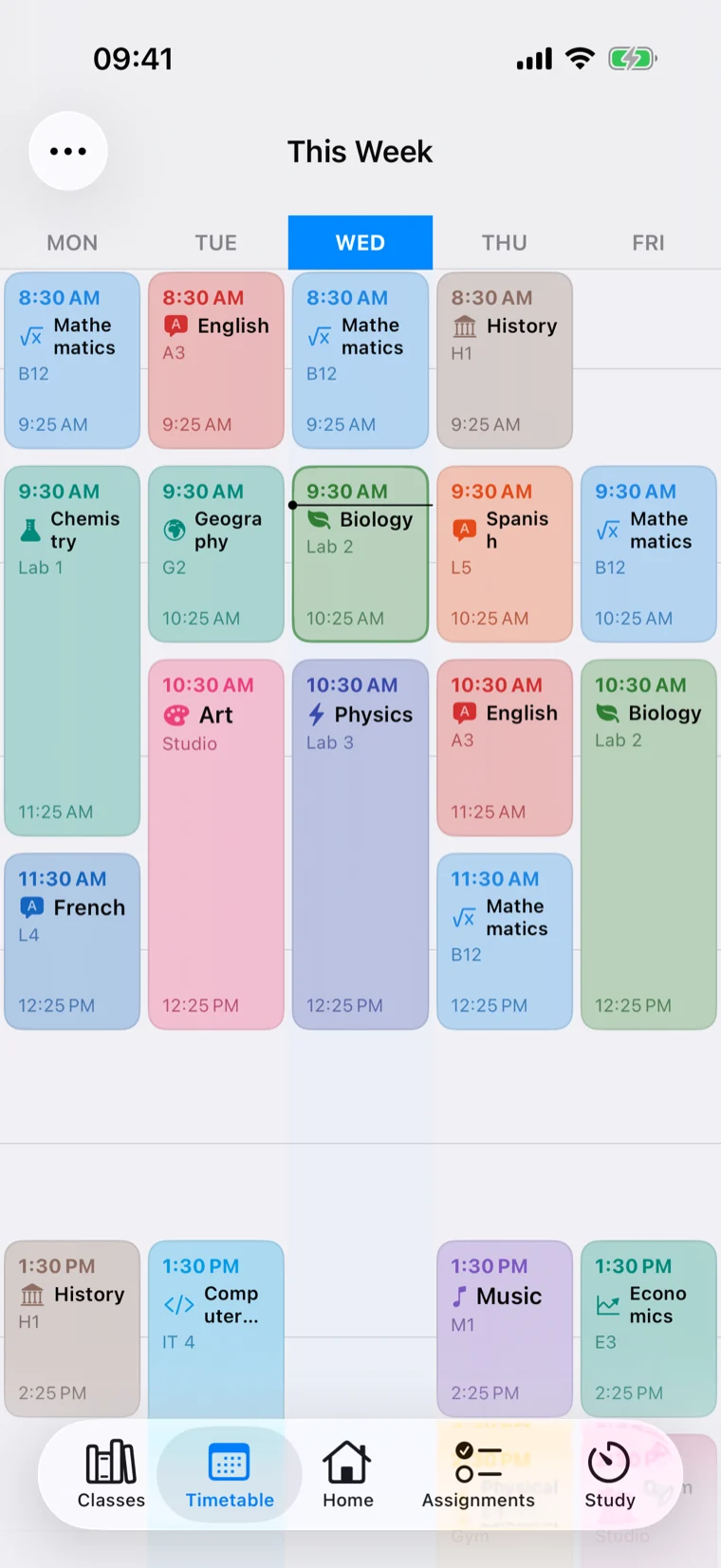
Build your week once.
Set up your lessons and Scolefy handles the rest of the year — including the awkward parts most apps ignore.
- Alternating weeks, split lessons and one-off changes
- Rooms, teachers and color-coded subjects
- Term dates and holidays, so free weeks stay free
- Your next lesson on the Home Screen and Lock Screen
Nothing sneaks up on you.
Everything due, grouped by when it matters, with reminders that arrive while there is still time to do something about it.
- Today, Tomorrow and This Week at a glance
- Checklists, notes, photos, scans and PDFs
- Recurring homework that schedules itself
- Templates for the tasks you set every week
Know where you stand.
Track marks in the grading system your school actually uses, and watch your averages move as the term goes on.
- Letters, points, percentages or your own scale
- Weighted categories that match how results are calculated
- Per-subject and overall averages, updated live
- Work out the mark you need to pass
Focus that actually sticks.
Pick a session, hit start, and put your phone down. The timer keeps going where you can see it.
- Pomodoro schedules, or build your own stages
- Runs on the Lock Screen and Dynamic Island
- Time tracked per subject, across a single session
- A history that shows where the hours went